A living history of water
Our attraction is open every Tuesday throughout the year, along with Steam and Open Days on selected Sundays from the end of March to October, so why not drop in and say hello. You'll find us close to the centre of Hereford.
We are open every Tuesday
Open to visitors from 11am to 4pm
Use the link to see our news blog
- Preservation and Drive It Day
- Talk given to U3A Ross
- Brockington House visit
- Change of ownership
- Video case study
Steam and Open Days
Our steam driven engines will not be working until further notice. Meanwhile many of our other engines and pumps will be in operation on open days.
We are open on Sunday May 12th with many engines running.
Steam Days
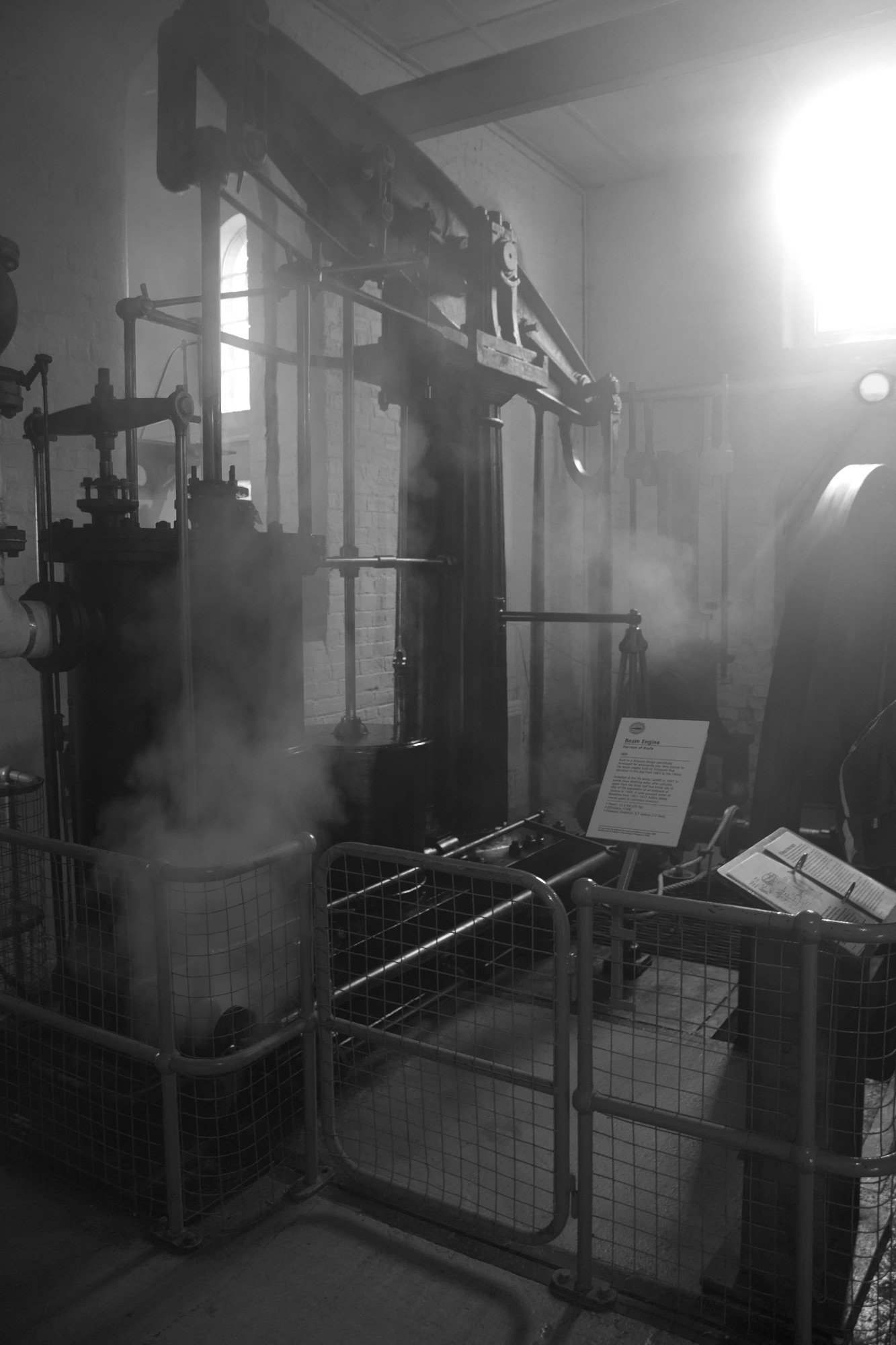
We are open around 20 Sundays a year when we have the pumps up and running using steam, the way they were originally made to work.
Exhibits
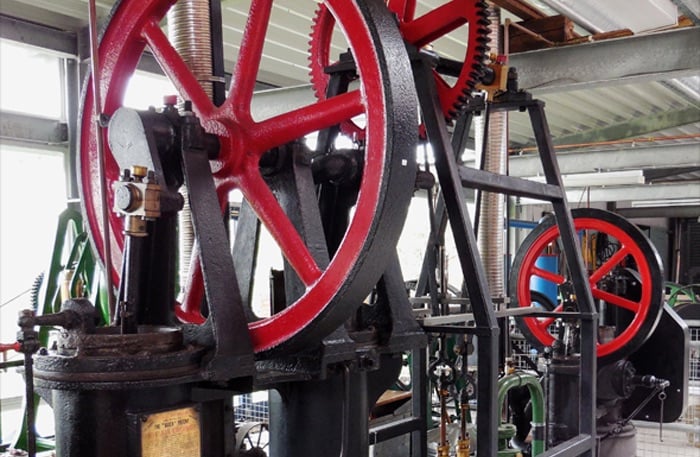
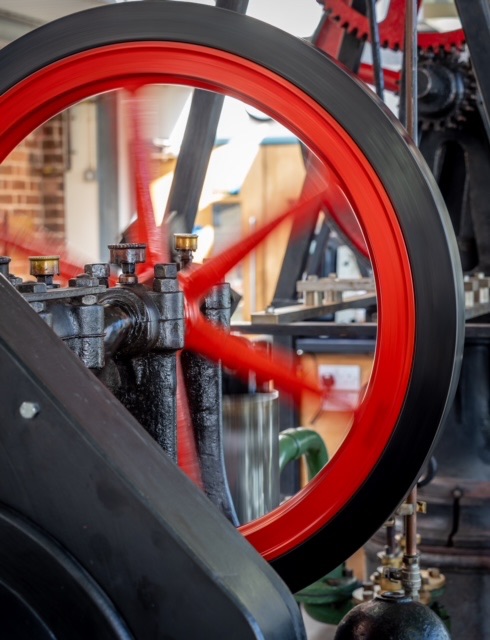
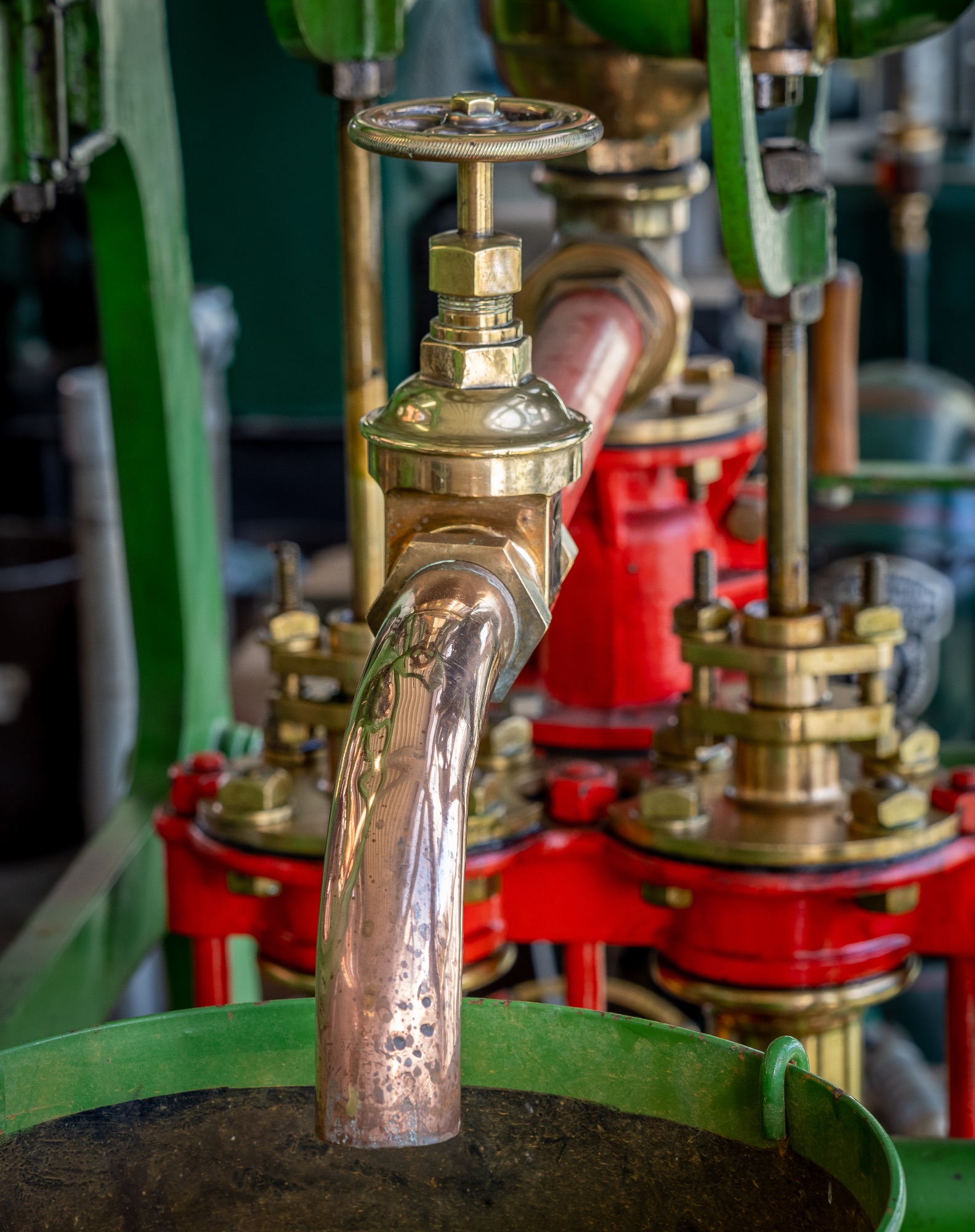
With over 50 amazing machines in our growing exhibition and with so many different types and sizes on show, there is always plenty to see.
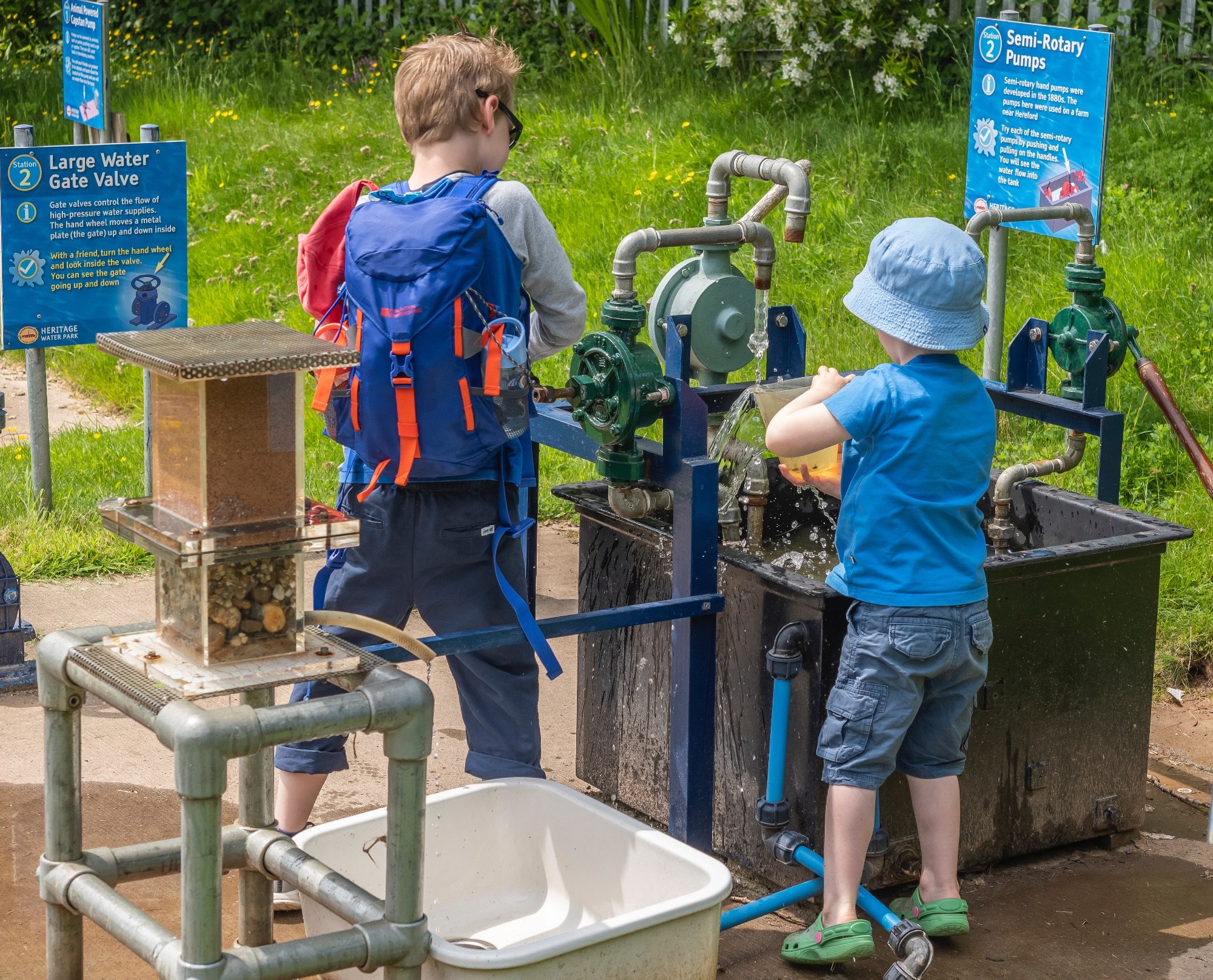
Water Fun
In the play area, our range of historical full-size devices are perfect for the youngsters to learn about lifting, pumping, moving, and filtering water.

Cafe and Shop
Our museum Cafe has a selection of hot and cold drinks, plus tempting and delicious fresh homemade scones, cakes and savories. Visit our shop too.
Our impressive collection of beam, hot air, gas and diesel engines includes the oldest working triple expansion steam engine in the UK

Open for 50 years and still going strong
The museum has been running since 1974 and is housed in the original Victorian Grade II listed building that was the water pumping station for Hereford.

FREQUENTLY ASKED QUESTIONS
Are there disabled facilities at the museum?
There is a disabled toilet available
Please read our disabled access and accessibility statements
Can I bring my dog to the museum?
Dogs are welcome but only assistance dogs can go into the buildings. All dogs must be on leads at all times. Please read the poster in reception for more information.
Is there parking close by?
There is on site parking available and one of our volunteers is available should you need any help and guidance
Are food and drink available?
We have an onsite café serving hot and cold drinks along with a selection of delicious food and cakes. We pride ourselves on the fresh homemade items we have available on offer, so why not treat yourself.
How do I find you?
We're easy to find, we're at Broomy Hill, Hereford, HR4 0LJ
By Car : Just set your SatNav to HR4 0JL
By Train : We are just a short taxi ride (approx 3.2 km) from Hereford Train Station
By Bus : Unfortunately there are no bus routes stopping near the Museum